Just imagine this
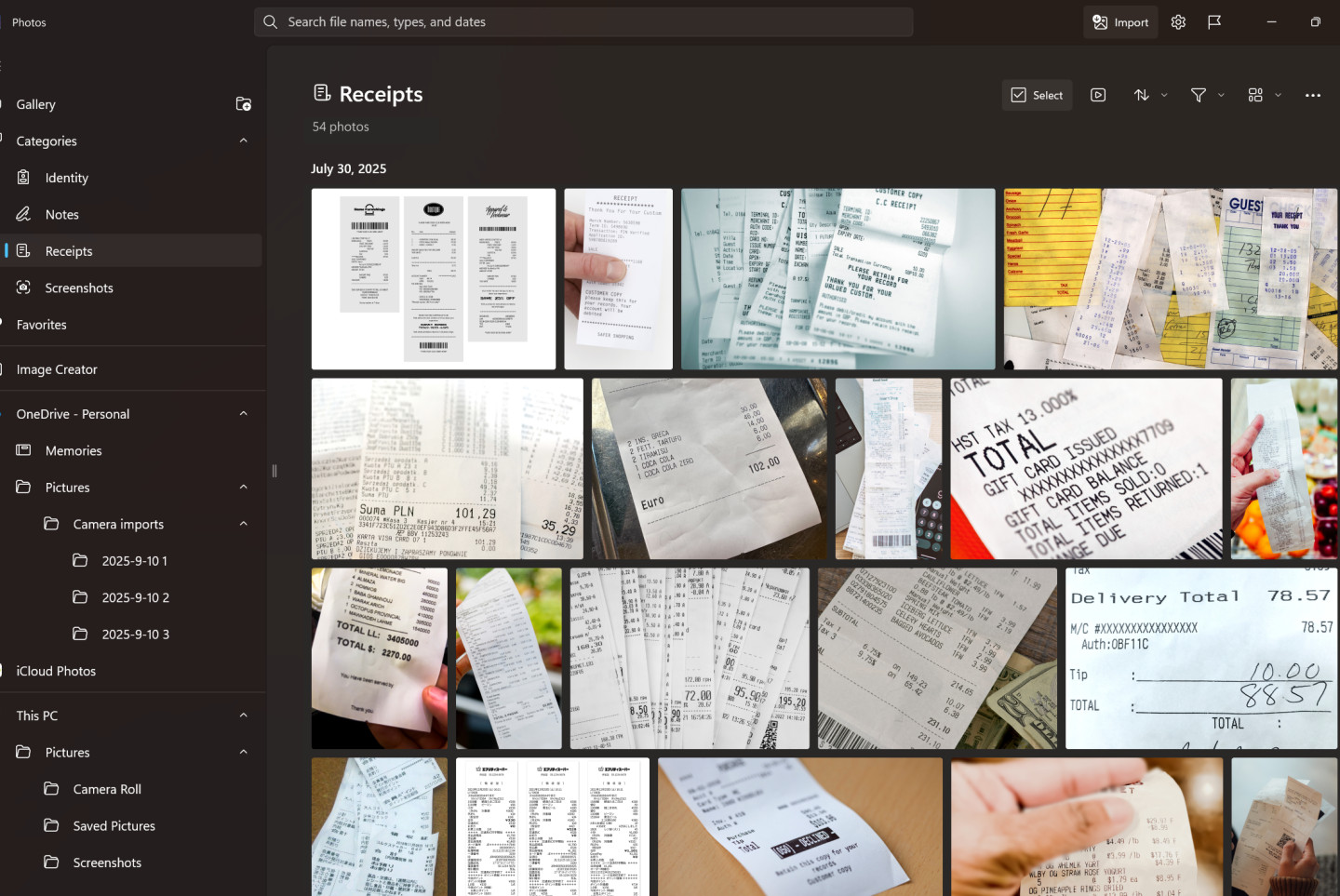
You open your Photos app… and suddenly, it knows what’s what - your receipts neatly in one folder, your passport photo ready when you need it, and your random screenshots all tucked away nicely.
You blink and bam!!
“Wait… did my Photos app just clean itself?”
Yes!
Welcome to the new AI-powered Photos app in Windows 11.
What’s Happened?
Microsoft just sprinkled a bit of AI magic into your Photos app.
Now instead of scrolling endlessly to find that one picture, your Photos app quietly does the sorting for you.
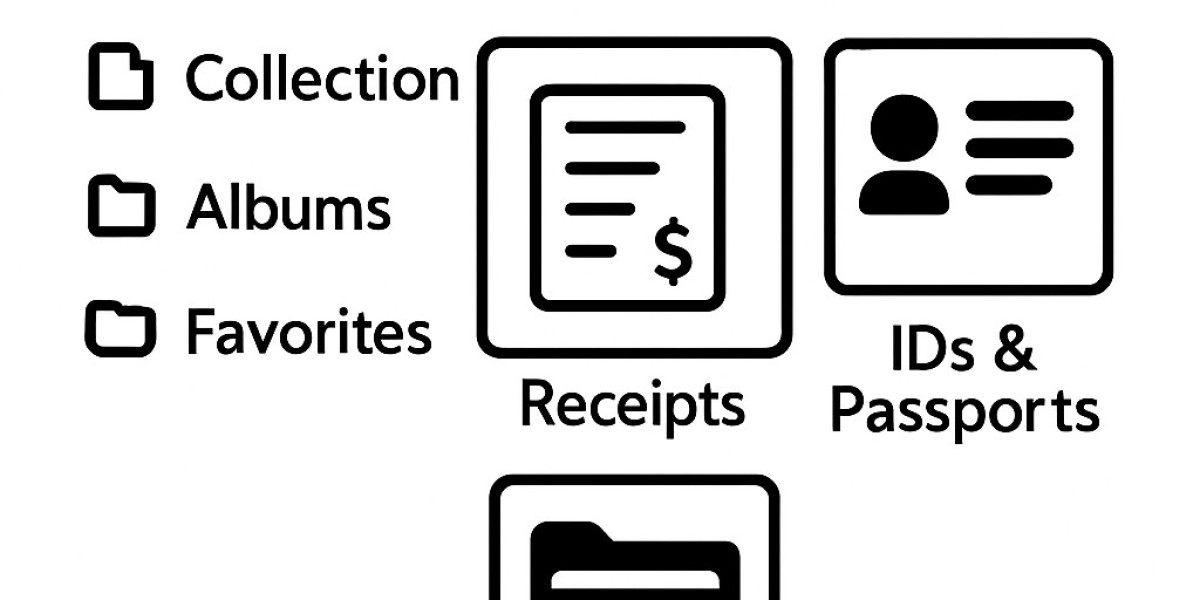
It automatically creates smart folders like:
Receipts – your expense photos finally have a home!
IDs & Passports – no more pre-flight panic searching.
Notes – scanned papers and scribbles stay organized.
Screenshots – yes, all your memes and random saves too!
It’s like having a digital assistant whisper,
“Padi, I already filed that for you.”
❤️ Why You’ll Love It
Saves time – no more manual sorting.
Thinks smartly – it recognizes content even if it’s not in English!
Search easily – type what you need and boom! it’s right there.
You’re still in control – rename, move, or correct folders anytime.
Your DIY Fun Steps
Step 1: Keep Windows Updated
Settings → Windows Update → Check for Updates.
Let Windows get all brushed up - that’s where the magic begins.
Step 2: Update the Photos App
Microsoft Store → Library → Get Updates.
Think of it as giving your Photos app a coffee boost.
Step 3: Turn On Smart Sorting
Open your Photos app
Tap the Settings icon
Find “Auto-Categorization” and switch it ON